
June 29, 2026
Airbnb Message Automation: The Guest Sequence I Use
By Shaun Ghavami
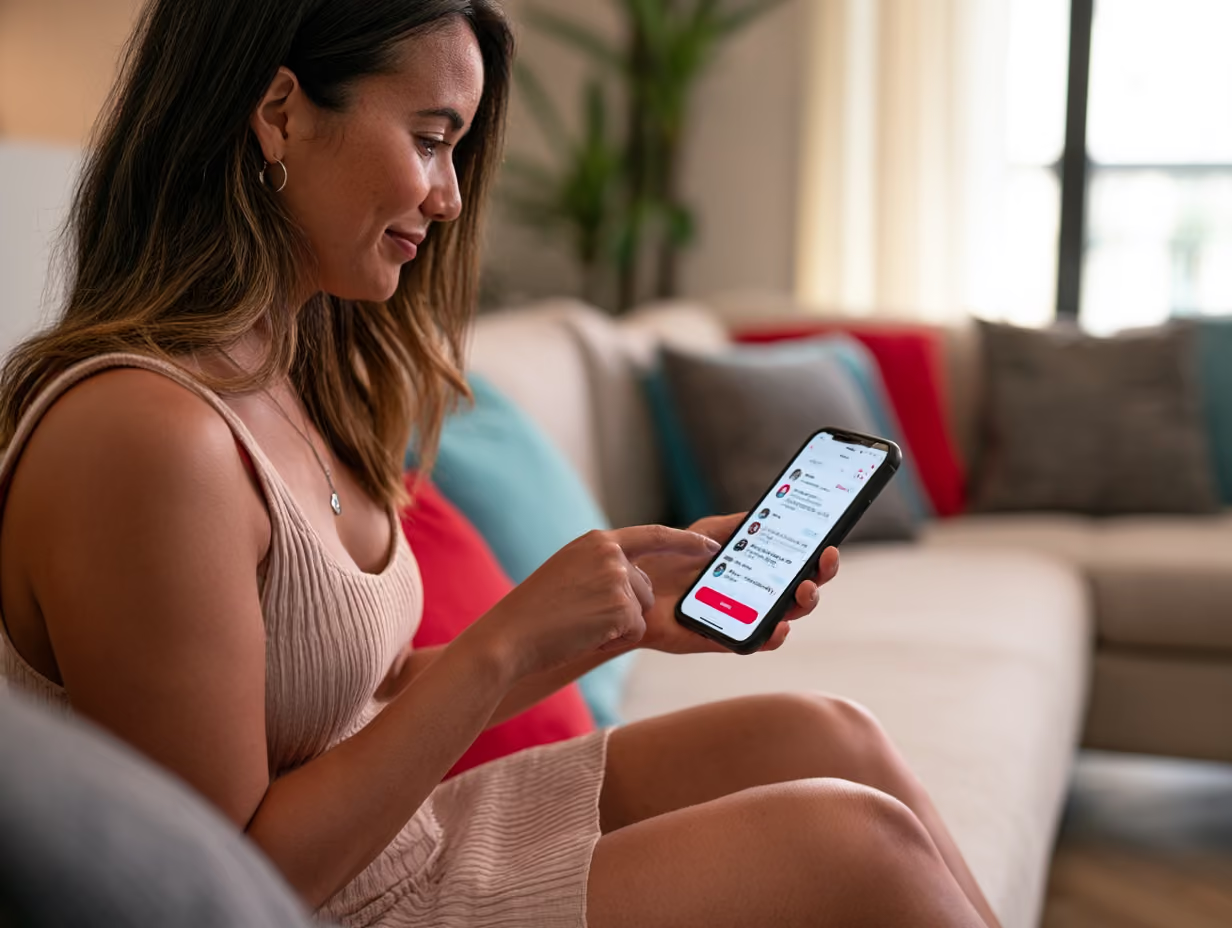
To automate your Airbnb messages, use Airbnb's built-in scheduled messages tool to send a fixed sequence around every booking: a booking confirmation, check-in instructions, a mid-stay check, a checkout reminder, and a review request. You write each message once, attach it to a trigger (a new reservation, the check-in date, or the checkout date), and Airbnb sends it automatically with the guest's name and reservation details filled in. Most hosts can run their entire guest communication this way at no extra cost, straight from the Airbnb app or the Airbnb Help Center settings.
When I started hosting a single $65-a-night spare bedroom, I answered every message by hand. That does not scale. Once you are juggling a few listings, you cannot be the bottleneck on every "what time is check-in?" Here is the exact automated sequence I run, why each message exists, and the free templates you can copy today.
Why automate guest messages at all
Two reasons: time and reviews. The time part is obvious. The same five or six questions come in on every stay, and answering them by hand at 11pm is a waste of your evening. Automation hands the guest the answer before they have to ask.
The review part matters more. Most one-star and three-star surprises trace back to a communication gap, not a dirty towel. A guest who cannot find parking, cannot work the door code, or does not know the wifi password starts the stay frustrated, and that frustration shows up in the rating. A clean sequence of timely messages removes the friction before it becomes a complaint. Communication is one of the categories Airbnb asks guests to rate directly, so getting it right protects your overall score and earns the repeat booking.
How Airbnb's built-in scheduled messages work
Airbnb calls the feature scheduled quick replies, and it is free to every host. You build a template, then schedule it to fire before or after one of three reservation events:
- New reservation: fires the moment a guest completes a booking.
- Check-in: fires relative to the guest's check-in date, for example one day before or the morning of arrival.
- Checkout: fires relative to the checkout date, for example the evening before or a day after departure.
The part that makes this feel personal is the placeholders. When you write a template you can drop in fields that Airbnb fills from the listing and the reservation: the guest's first name, the check-in and checkout dates and times, your address, the wifi details, and your house rules. You write one template and every guest gets a message that reads like you typed it for them.
A few mechanics worth knowing before you rely on it. Scheduled messages send in the listing's time zone, so an 8am checkout reminder goes out at 8am local, not your time. There is a toggle for last-minute and short stays, because a message set to send "two days before check-in" would otherwise be skipped on a same-day booking, so turn it on. You can also preview the timeline of upcoming scheduled messages for any reservation and skip, send early, or edit one before it goes out without changing the underlying template. Airbnb's Airbnb Resource Center walks through the setup screen if you want to follow along live.
How to set one up
From the Messages tab on desktop, open the scheduled messages area, create a new message, write the body with placeholders, then pick the trigger and the timing offset (days or hours, before or after the event). Save it to the listings you want, and it applies to current and upcoming reservations, so you build the sequence once and forget about it.
The five-message sequence I use
This is the backbone. Five messages cover the whole stay. You can add more later, but start here. Treat the templates below as a starting point and rewrite them in your own voice. The bracketed fields are where Airbnb's placeholders go.
1. Booking confirmation (trigger: new reservation)
Sent the instant someone books. It confirms the basics and opens the door for the guest to tell you anything you need to know.
"Hi [Guest first name], thanks for booking. I am Shaun, your host, and I am glad to have you. Check-in is after [check-in time] on [check-in date], and checkout is by [checkout time] on [checkout date]. I will send the door code, directions, and wifi the day before you arrive. If you are traveling with anyone not on the reservation, or arriving outside normal hours, reply here so I can plan for it. Looking forward to hosting you."
2. Check-in instructions (trigger: one day before check-in)
This is the most important message in the whole sequence. Send it the day before so the guest has everything in hand before they travel.
"Hi [Guest first name], you are all set for tomorrow. The address is [address]. Park in [parking detail]. The door code is [code] and it works from [check-in time]. The wifi network is [wifi name] and the password is [wifi password]. House rules and a short local guide are on the kitchen counter. Anything you need, message me right here."
3. Mid-stay check (trigger: morning after check-in)
A short, human touch on the first full morning. It catches small problems while you can still fix them, which keeps them out of the review.
"Hi [Guest first name], hope your first night was comfortable. Is everything working as it should? If the wifi, heat, air conditioning, or anything else needs attention, tell me now and I will sort it fast. Otherwise, enjoy your stay."
4. Checkout reminder (trigger: evening before checkout)
Sent the night before departure so the morning runs smoothly for the guest and for your cleaner. Keep the asks light. A short list of reasonable requests reads better than a wall of demands.
"Hi [Guest first name], a quick reminder that checkout is by [checkout time] tomorrow. Before you head out: start the dishwasher, leave used towels in the bathroom, take the trash to [bin location], and lock up with the door code. No need to strip the beds. Safe travels, and thank you for staying."
5. Review request (trigger: one day after checkout)
The review is what fuels your next booking, so ask for it directly, once, and politely.
"Hi [Guest first name], thank you again for staying. It was a pleasure hosting you. If you have a minute, an honest review really helps my small hosting business, and I will be leaving you one as well. I hope to host you again down the road."
How automated messages connect to the rest of your operation
The checkout reminder is not just guest service. It is the first link in your turnover. The same departure time that triggers the guest reminder is the time your cleaner needs to start, so I tie my messaging schedule to my cleaning and turnover routine and never let one drift from the other.
The check-in message also does quiet enforcement. Because it includes your house rules automatically, every guest receives them in writing, on every stay, with no effort from you. That paper trail matters if you ever need to report a problem to Airbnb. The same logic carries over when you start co-hosting for other owners, because clean, consistent messaging is one of the easiest ways to prove you are running their listing properly.
Third-party tools, and when you actually need one
Airbnb's native scheduled messages cover most single-listing and small-portfolio hosts completely. Do not pay for software you do not need yet. You should look at a third-party tool when you outgrow what Airbnb's tool can do, usually for one of these reasons:
- You list on more than one platform. If you are also on Vrbo or Booking.com, a channel manager lets you run one message sequence across every channel instead of rebuilding it three times.
- You want more triggers and conditions. Dedicated tools add rules Airbnb does not, like a message that only sends when the booking is longer than a week, or a separate flow for one-night stays.
- You are scaling to many doors. Past roughly ten listings, a property management system that unifies messaging, your cleaning team, and reviews saves real hours.
Tools in this category that genuinely exist and are widely used include Hospitable, Hostaway, and Guesty. They sit on top of your Airbnb account and add automated messaging, AI-assisted replies that draft answers in your voice, and cross-channel scheduling. They are paid, usually priced per listing per month. My advice: start free with Airbnb's own tool, get your five-message sequence dialed in, and only graduate to paid software once the volume actually hurts.
Keep it personal, not robotic
Automation fails when it feels automated. A few rules keep the human in it. Always use the guest's first name placeholder so no message opens cold. Write the way you actually talk, contractions and all, not in corporate help-desk language. Keep each message short, because guests skim on a phone. And leave room for the real conversation: automation handles the predictable bulk of messages, but when a guest replies with a genuine question, answer that one yourself.
One more thing I have learned. Re-read your whole sequence end to end a couple of times a year. Door codes change, a new coffee shop opens, the trash day moves, and a stale automated message is worse than none because the guest trusts it. Treat the sequence as part of the listing, and weigh how much to automate against how you price into your nightly rate.
If you are setting all of this up from scratch, it slots into the bigger picture of starting an Airbnb business the right way. Want the templates, checklists, and the rest of my hosting system in one place? Grab my free host resources here, and if you would rather have me and my team walk you through it directly, you can get started with hands-on coaching.
Frequently asked questions
Does Airbnb have built-in message automation?
Yes. Airbnb's scheduled quick replies feature lets every host automate messages for free. You write a template, attach it to a trigger (a new reservation, the check-in date, or the checkout date), and Airbnb sends it automatically with the guest and reservation details filled in. It is available in the Messages area of the app and the desktop site at no extra cost.
What messages should I automate for guests?
Start with five: a booking confirmation when the reservation is made, check-in instructions the day before arrival, a short mid-stay check on the first full morning, a checkout reminder the evening before departure, and a review request the day after checkout. That sequence answers the common questions before guests ask them and protects your communication rating.
Are Airbnb scheduled messages free?
Yes, scheduled messages are a free, native Airbnb feature for all hosts. You only pay for software if you choose a third-party tool like Hospitable, Hostaway, or Guesty, which add cross-platform messaging and extra automation rules. For a single listing or a small portfolio, Airbnb's own tool is usually all you need.
How do I personalize automated Airbnb messages?
Use Airbnb's placeholders inside your templates. They pull real details from the listing and the reservation, such as the guest's first name, check-in and checkout dates and times, your address, wifi credentials, and house rules. Write one template and every guest receives a message that reads as if you typed it for them, then answer any genuine replies yourself.
When should I use a third-party messaging tool instead of Airbnb's?
Move to a paid tool when you list on more than one platform, need triggers or conditions Airbnb does not offer, or scale past roughly ten listings. Property management systems such as Hospitable, Hostaway, and Guesty unify messaging across channels and add AI-assisted replies. Below that volume, Airbnb's free scheduled messages handle the job.

.png)

Be Part of our Community.
Let’s transform properties into powerhouses.
